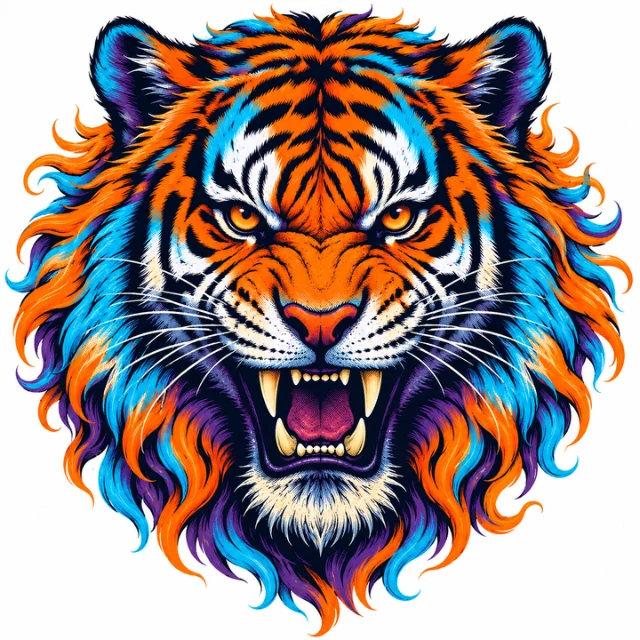
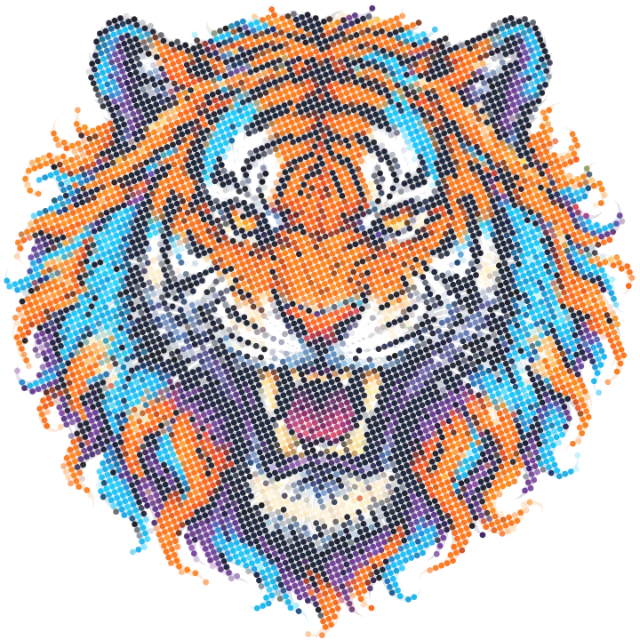
Classic AM Halftone
Traditional halftone dots arranged on a fixed grid. Dot size varies to simulate different tonal values. Best for bold graphics and vintage aesthetics — the original screen-printing look, now compatible with DTF.
Direct to Film printing unlocks photographic gradients, vibrant CMYK color, and crisp detail on any garment. Remove box backdrops, clean white haze, and export pre-press 300 DPI halftones directly in your browser.
Remove box backdrops, clean white haze, fade to transparency, and generate 20–75 LPI halftones in your browser.
Drop your artwork to Halftone
Box removal · White haze edge decontamination · AM / FM / Hybrid screening · 300 DPI Export

DTF printing prints your design onto a special PET (polyethylene terephthalate) film using aqueous CMYK inks, then floods it with a white underbase powder that is cured with heat. The resulting transfer can be pressed onto virtually any fabric — cotton, polyester, blends, nylon, leather — without pretreatment.
Unlike traditional screen printing that requires a separate screen per color, DTF handles full photographic color through halftone dot patterns — microscopic arrays of dots whose size and distribution fool the eye into perceiving smooth gradients and rich tonal ranges.
Traditional halftone dots arranged on a fixed grid. Dot size varies to simulate different tonal values. Best for bold graphics and vintage aesthetics — the original screen-printing look, now compatible with DTF.
Random micro-dot placement with consistent size. Eliminates moiré patterns entirely and reproduces fine gradients and photographic images with stunning clarity on DTF film.
Combines AM in midtones with FM in shadows and highlights. Delivers sharp edges where AM excels while avoiding dot gain in the darkest and lightest areas with FM precision.
DTF printing uses CMYK + White underbase. Each color channel requires its own halftone screen angle (C:15°, M:75°, Y:90°, K:45°) to prevent moiré between overlapping dots.
DTF inks spread when heat-pressed onto film and then transferred. Compensate by reducing dot size in your RIP software — typically 10–20% total area compensation for polyester fabrics.
The white layer is the foundation of DTF color vibrancy on dark garments. Use a choked (shrunk) white underbase to avoid halo edges, and enable overprint settings so CMYK layers blend correctly on top.
DTF RIP software cannot fix a low-resolution or poorly isolated file. The foundation is a clean, high-resolution transparent PNG — properly sized in inches at 300 DPI.
OkArty's browser-based toolkit handles background removal, alpha channel export, DPI metadata injection, and canvas resizing — all without uploading your designs to the cloud.
DTF (Direct to Film) halftone printing is a process where artwork is broken into tiny dots of varying size or frequency and printed onto a special PET film using CMYK inks plus a white underbase. The film is then heat-pressed onto fabric. Halftones allow gradients and photographic tones to be reproduced without continuous ink blending.
For AM (amplitude-modulated) halftones at 45–65 LPI, a 300–600 DPI source file is typically sufficient. For FM (stochastic) screening and photographic detail, aim for 1200 DPI at the output stage. Always confirm with your DTF supplier's RIP software specifications.
Moiré occurs when two halftone screens clash at similar angles. Use the standard CMYK screen angles (C:15°, M:75°, Y:90°, K:45°) and switch to FM/stochastic screening for designs with fine photographic detail, as FM eliminates grid-based moiré entirely.
Yes. DTF requires separate CMYK channel output plus a white underbase layer. Your design should be color-separated and sent through a RIP (Raster Image Processor) that handles the white channel automatically. Design in CMYK mode in Photoshop or Illustrator from the start.
The white underbase is an opaque white ink layer printed beneath your CMYK colors. Without it, colors appear dull or translucent on dark fabrics. A properly choked underbase (slightly smaller than the design) prevents white halos from appearing around the transfer edge.
Yes. OkArty's background removal and transparent PNG tools help you isolate your design with clean alpha channels — essential before DTF halftone processing. Use the POD Image Optimizer to upscale to the required print DPI and export print-ready PNG files.
Bring your raw artwork. Take home a pristine transparent PNG, 300 DPI master, live garment mockups, and AI SEO keywords in one bundle.
Launch Creative Studio ↗