Image / Background RemoverTool example
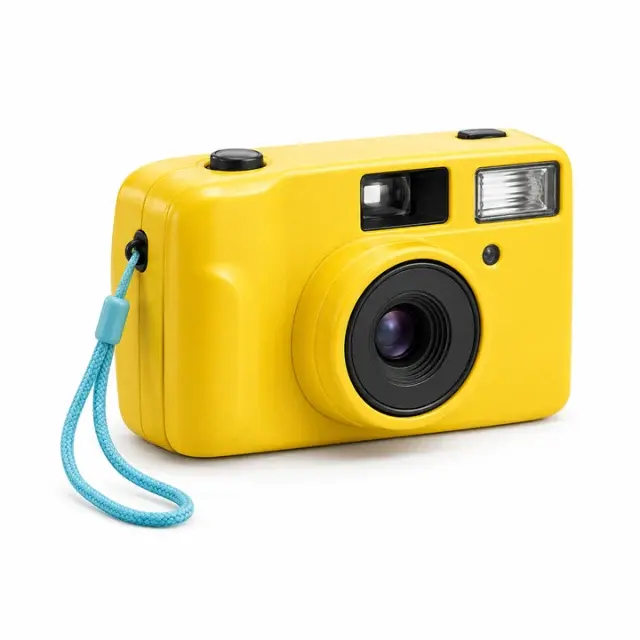 BEFORE
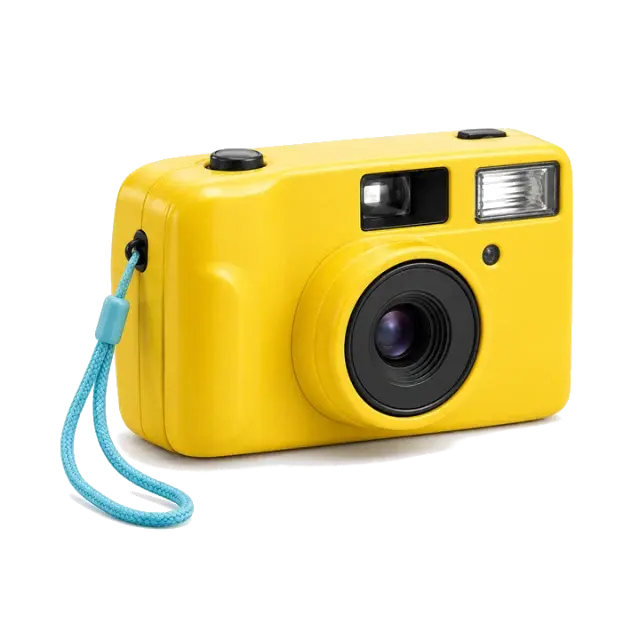 AFTER
AFTERWhite camera backdropCamera cutout
Actual color-based cutout · lower shadow cleanup
Background Remover
Remove flat backgrounds with adjustable color matching and a manual eraser.
Choose one task, upload your artwork and review the result before downloading. Each tool has its own workspace.
BEFOREAFTERActual color-based cutout · lower shadow cleanup
Remove flat backgrounds with adjustable color matching and a manual eraser.
 BEFORE
 AFTER
AFTER320,453 transparent pixels in the 720px example
Turn your cutout into a PNG with a real transparent alpha channel.
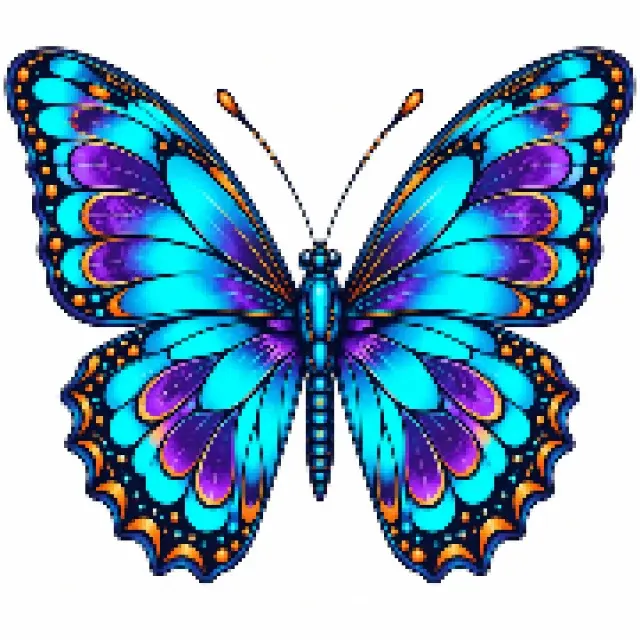 BEFORE
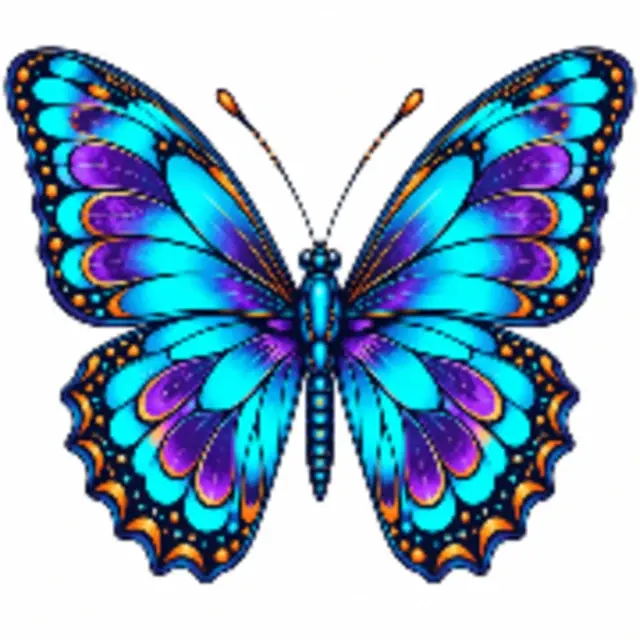 AFTER
AFTERActual 4× resampling · missing detail is not restored
Resize artwork to a larger canvas while preserving its aspect ratio.
 BEFORE
 AFTER
AFTERPrepared portrait canvas · verified PNG DPI metadata
Combine a cutout, print canvas, DPI metadata and a listing draft in one workspace.
 BEFORE
 AFTER
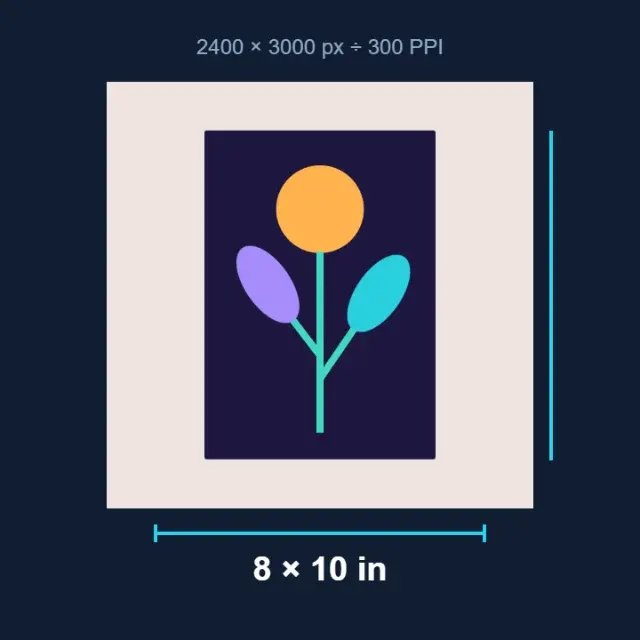
AFTERIllustrated calculation · pixels divided by PPI
Calculate physical print size from pixels and your chosen resolution.
 BEFORE
 AFTER
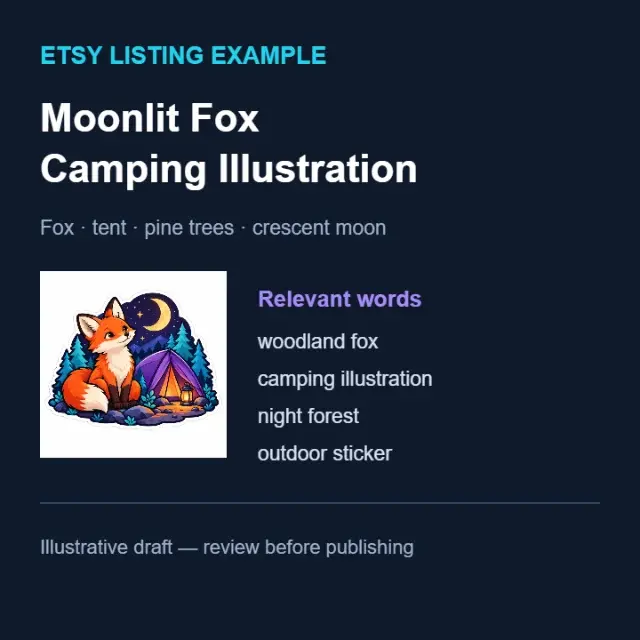
AFTERIllustrative title and keywords · review before publishing
Draft titles, descriptions and relevant keywords for your marketplace.
 BEFORE
 AFTER
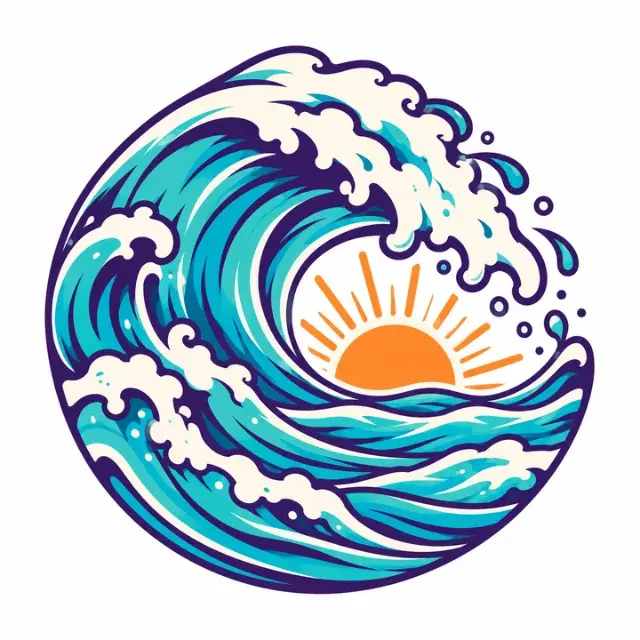
AFTERActual vector-converter output · simplified contours
Export a simplified SVG made from color-quantized vector shapes.
 BEFORE
 AFTER
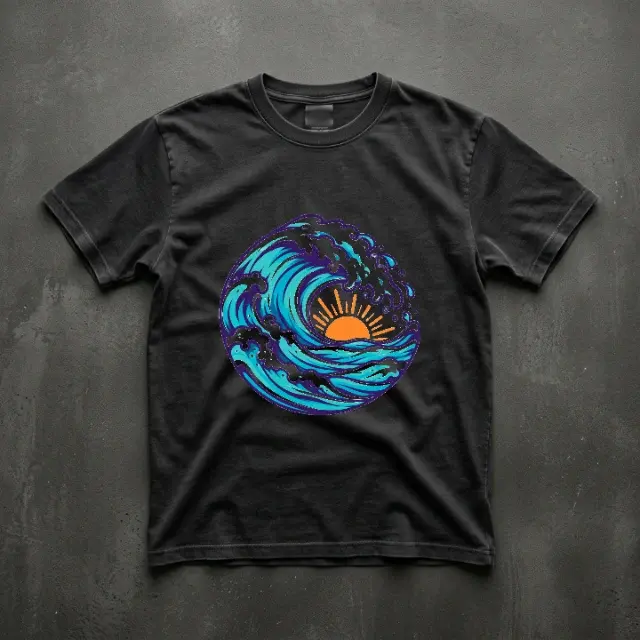
AFTER2D garment preview · actual print appearance may differ
Position your design on a garment preview and download the composition.
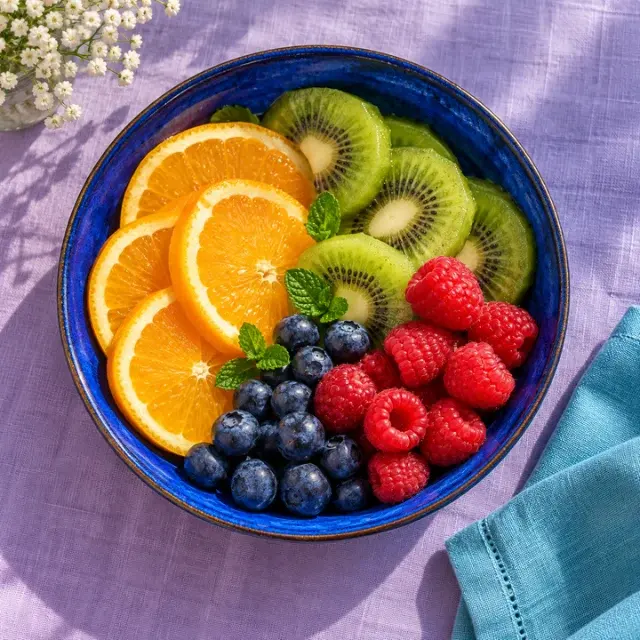 BEFORE
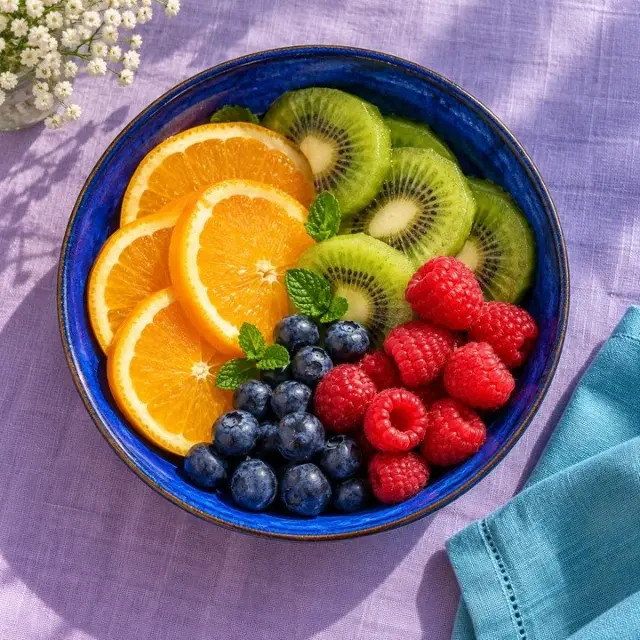 AFTER
AFTERActual JPEG encoding · quality 85
Convert images between PNG, JPEG and WebP formats instantly in your browser.
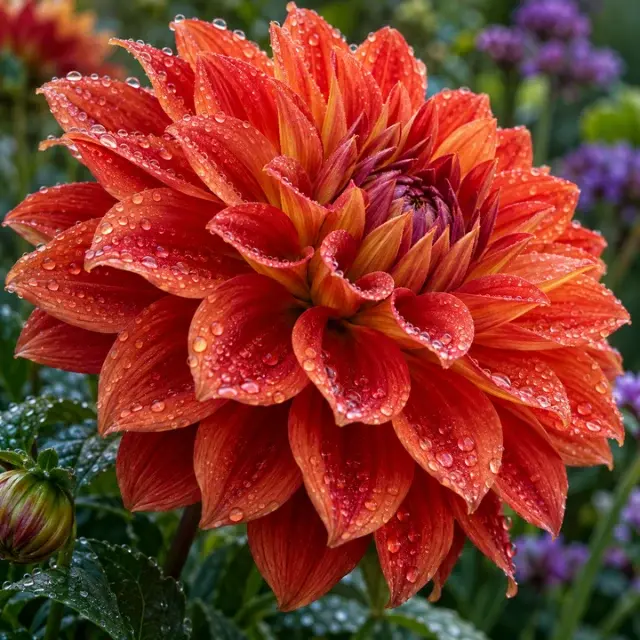 BEFORE
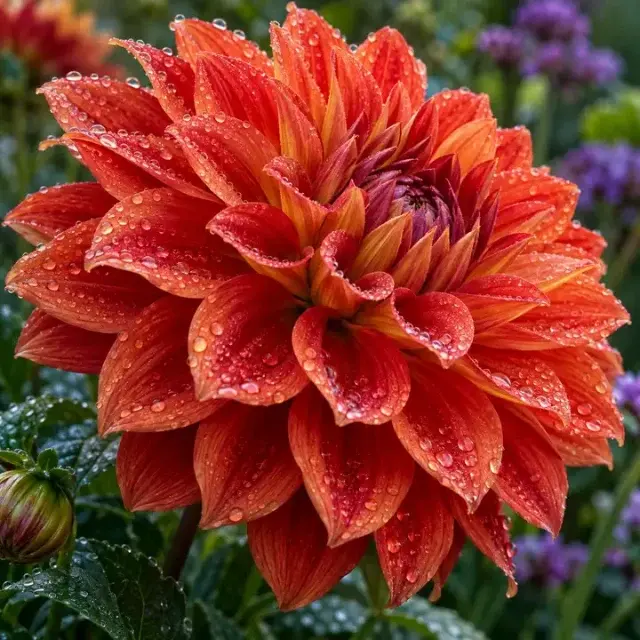 AFTER
AFTERMeasured 95% smaller example · lossy quality 55
Reduce image file size with adjustable quality and a before/after comparison.
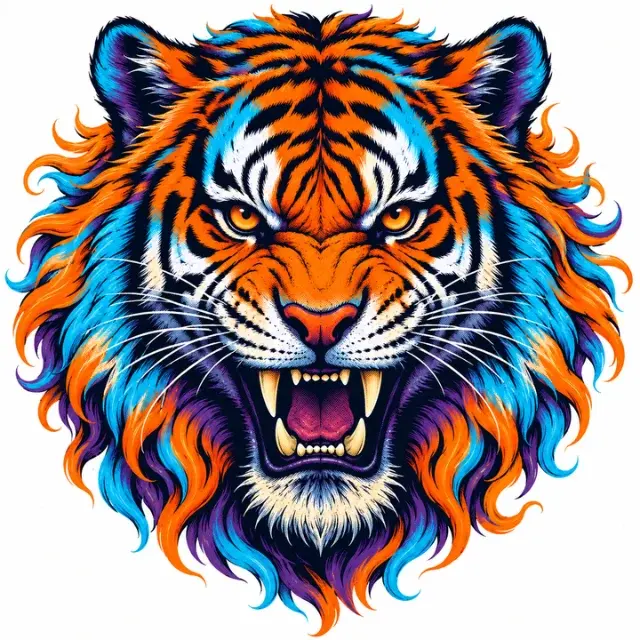 BEFORE
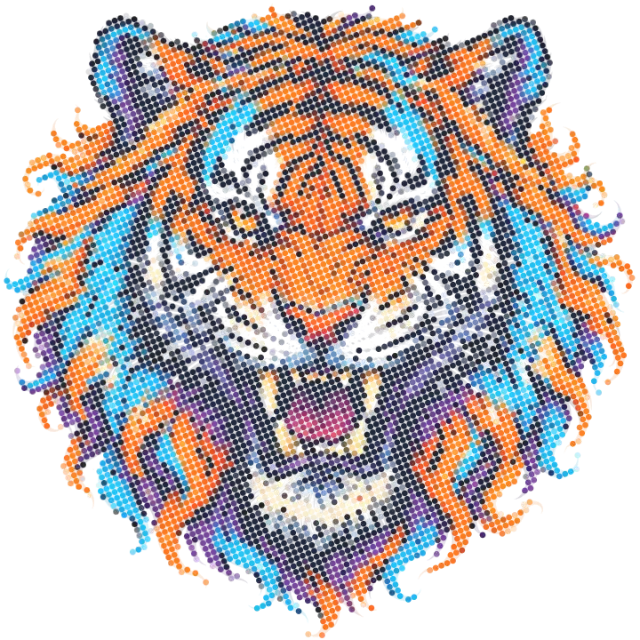 AFTER
AFTERActual AM-screen output · test with your print supplier
Convert any image into a print-ready DTF halftone pattern — AM, FM or Hybrid screening with adjustable LPI, angle and dot shape.
Even more creative tools are on the way to help you design and prepare files faster.
QUESTIONS, ANSWERED
Remove the background, inspect the edges against light and dark backgrounds, then export as PNG. JPEG cannot store transparency. A visible checkerboard can be baked into an image, so verify the actual alpha channel.
Follow the supplier's product-specific resolution requirements. Pixels divided by pixels per inch gives print size in inches. A 3000-pixel-wide design corresponds to 10 inches at 300 PPI. Editing the DPI label alone does not create detail.
Choose local AI subject separation for photographs or color matching for flat backgrounds. Both run in your browser. Inspect edges and refine the mask before downloading.
Resizing can meet a canvas requirement, but it cannot recover detail that the source never contained. Inspect the export at its intended print size and recreate important lettering or linework when needed.
Yes. Choose the relevant marketplace and review the resulting draft before publishing. Verify current platform rules, product facts, artwork rights and keywords yourself; generated text is not a compliance check.
Describe the product and artwork accurately, use relevant search phrases, fill in appropriate categories and attributes, and make the listing useful to a shopper. Avoid unrelated tags and repetitive keyword lists.
Image editing and export run locally. AI listing generation is a separate action: the standalone generator sends your description, while image-aware features send the preview you choose. Your account allowance applies only to successful AI generation.