Image / Background RemoverTool example
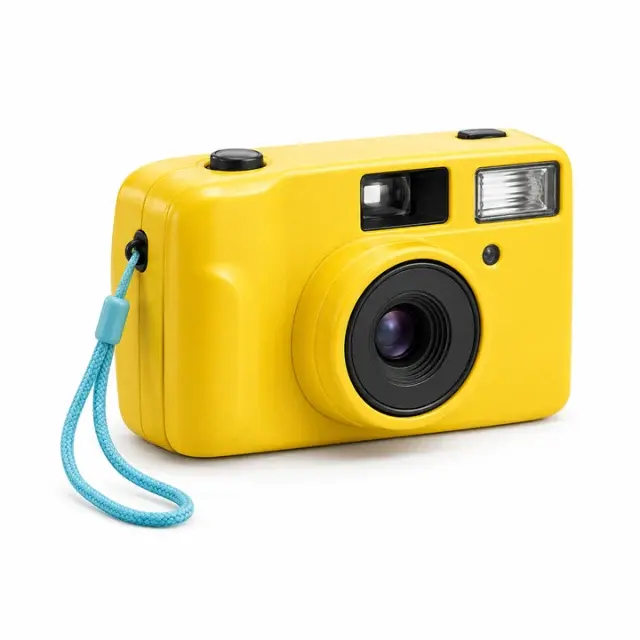 BEFORE
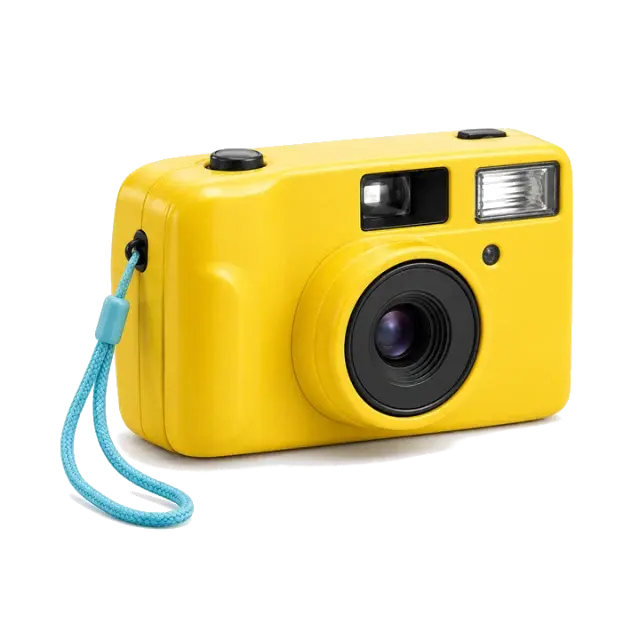 AFTER
AFTERWhite camera backdropCamera cutout
Actual color-based cutout · lower shadow cleanup
Background Remover
Remove flat backgrounds with adjustable color matching and a manual eraser.
Open ToolImage
OKARTY WORKSPACE
Start with: PNG, JPEG or WebP · up to 20 MB / 40 megapixels
Result: Approximate color-quantized SVG paths
The result approximates the original at up to 640 pixels on its longest side. It traces simplified contours; inspect fine lettering and verify with your cutting or print supplier.
Browse all tools →Trace simple logos or flat artwork into editable paths; inspect small lettering and complex gradients.
The studio traces color-quantized contours into SVG paths. Preview the SVG before downloading it, especially around lettering and fine edges.
Input: PNG, JPEG or WebP · up to 20 MB / 40 megapixels. Output: Approximate color-quantized SVG paths.
The result approximates the original at up to 640 pixels on its longest side. It traces simplified contours; inspect fine lettering and verify with your cutting or print supplier.
Prepare artwork for a garment, sticker or wall print, compare variations and save a separate export for each product template.
PNG, JPEG or WebP · up to 20 MB / 40 megapixels. Result: Approximate color-quantized SVG paths. Inspect the downloaded file before use.
Continue with our POD guides or browse all tools.
QUESTIONS, ANSWERED
The result approximates the original at up to 640 pixels on its longest side. It traces simplified contours; inspect fine lettering and verify with your cutting or print supplier.
Local image tools are free without an account. A confirmed free account includes 5 AI listings per day, up to 50 per calendar month. Pricing shows paid plan options and whether checkout is currently available.
No. Download your files and copy reviewed listing text into your marketplace or store. Marketplace names describe intended workflows; they do not imply a partnership or official integration.
BEFOREAFTERActual color-based cutout · lower shadow cleanup
Remove flat backgrounds with adjustable color matching and a manual eraser.
 BEFORE
 AFTER
AFTER320,453 transparent pixels in the 720px example
Turn your cutout into a PNG with a real transparent alpha channel.
 BEFORE
 AFTER
AFTERPrepared portrait canvas · verified PNG DPI metadata
Combine a cutout, print canvas, DPI metadata and a listing draft in one workspace.