Image / Transparent PNGTool example
 BEFORE
 AFTER
AFTEROpaque ghost stickerTransparent PNG
320,453 transparent pixels in the 720px example
Transparent PNG
Turn your cutout into a PNG with a real transparent alpha channel.
Open ToolImage
OKARTY WORKSPACE
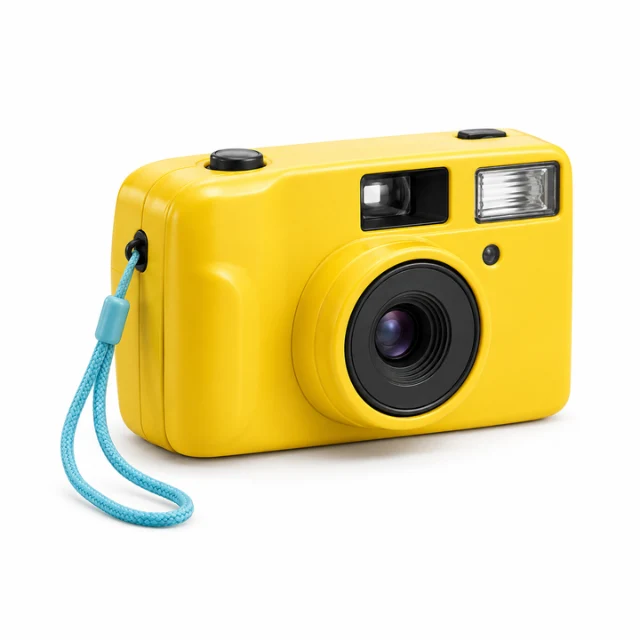
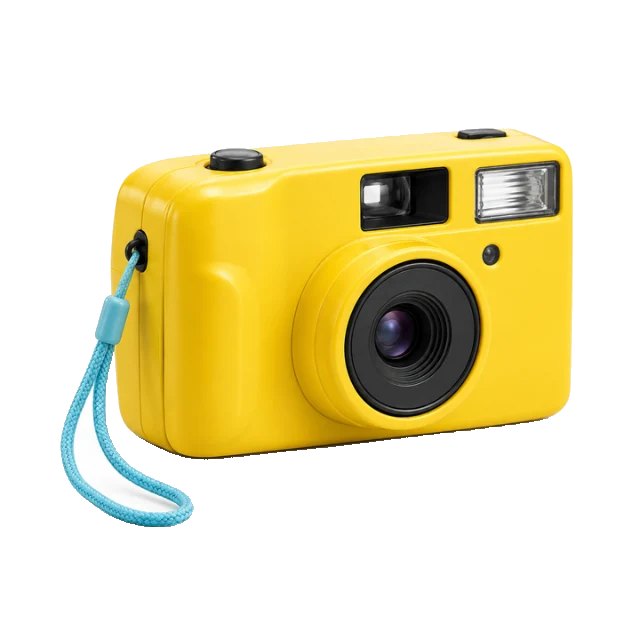
Example preview · your own result appears after processing
Start with: PNG, JPEG or WebP · up to 20 MB / 40 megapixels
Result: Transparent PNG cutout
Choose AI subject separation for photographs or instant color removal for flat backdrops. AI uses a 512px mask; inspect fine edges and use manual cleanup when needed.
Browse all tools →Separate a subject from a photograph or remove a flat backdrop; review fine edges before exporting.
Choose edge-connected removal to protect enclosed details, or global color removal for a consistent backdrop. Adjust the threshold and inspect the result against dark and light colors.
Input: PNG, JPEG or WebP · up to 20 MB / 40 megapixels. Output: Transparent PNG cutout.
Choose AI subject separation for photographs or instant color removal for flat backdrops. AI uses a 512px mask; inspect fine edges and use manual cleanup when needed.
Prepare artwork for a garment, sticker or wall print, compare variations and save a separate export for each product template.
PNG, JPEG or WebP · up to 20 MB / 40 megapixels. Result: Transparent PNG cutout. Inspect the downloaded file before use.
Continue with our POD guides or browse all tools.
QUESTIONS, ANSWERED
Choose AI subject separation for photographs or instant color removal for flat backdrops. AI uses a 512px mask; inspect fine edges and use manual cleanup when needed.
Local image tools are free without an account. A confirmed free account includes 5 AI listings per day, up to 50 per calendar month. Pricing shows paid plan options and whether checkout is currently available.
No. Download your files and copy reviewed listing text into your marketplace or store. Marketplace names describe intended workflows; they do not imply a partnership or official integration.
BEFOREAFTER320,453 transparent pixels in the 720px example
Turn your cutout into a PNG with a real transparent alpha channel.
 BEFORE
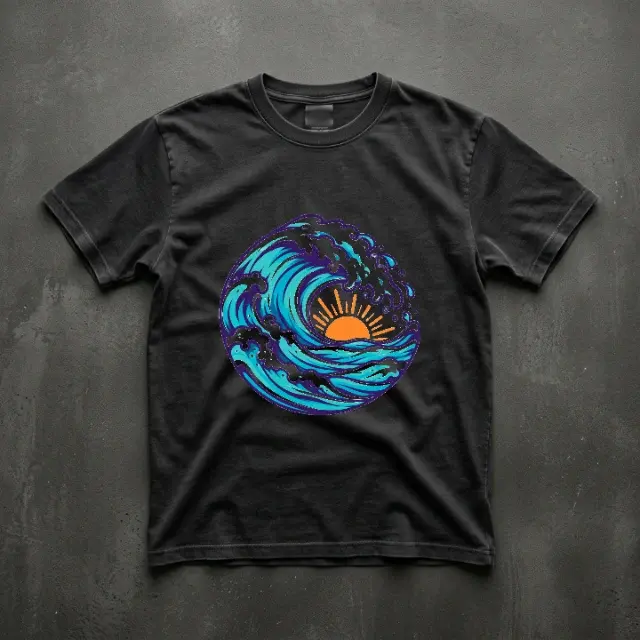 AFTER
AFTER2D garment preview · actual print appearance may differ
Position your design on a garment preview and download the composition.
 BEFORE
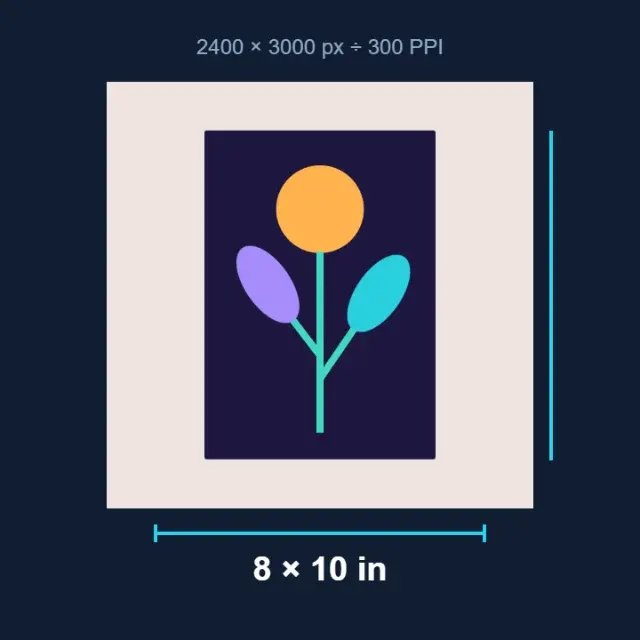 AFTER
AFTERIllustrated calculation · pixels divided by PPI
Calculate physical print size from pixels and your chosen resolution.