Image / Transparent PNGTool example
 BEFORE
 AFTER
AFTEROpaque ghost stickerTransparent PNG
320,453 transparent pixels in the 720px example
Transparent PNG
Turn your cutout into a PNG with a real transparent alpha channel.
Open ToolImage
OKARTY WORKSPACE
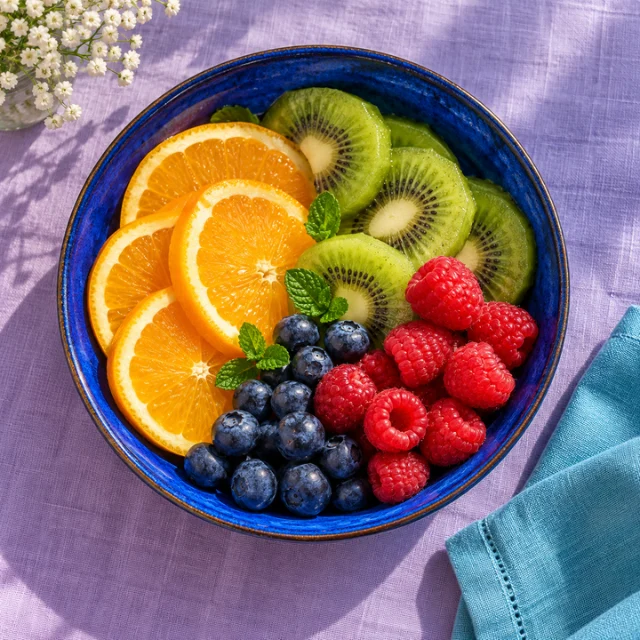
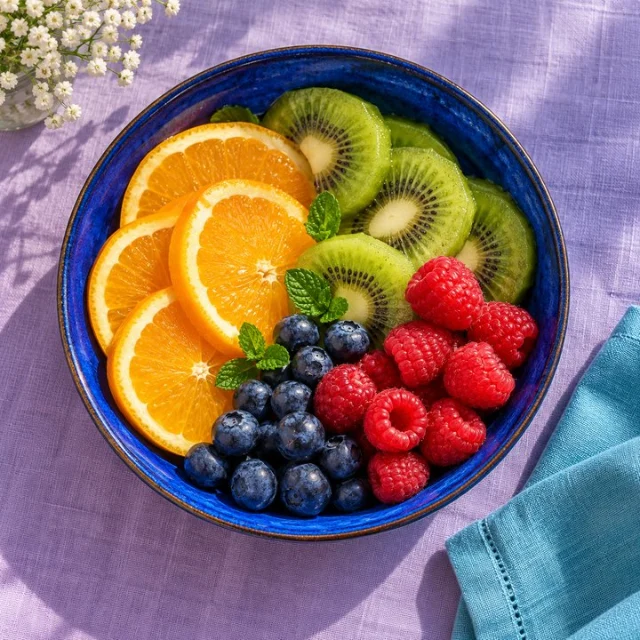
Example preview · your own result appears after processing
Start with: PNG, JPEG or WebP · up to 20 MB / 40 megapixels
Result: PNG, JPEG or WebP in the chosen format
Conversion re-encodes the image. Converting a lossy JPEG to PNG does not restore lost detail. Transparency is lost when converting to JPEG.
Browse all tools →Choose PNG for transparency or JPEG/WebP for photographic web assets; JPEG cannot keep an alpha channel.
Drop any image and choose your target format. PNG preserves transparency, JPEG produces the smallest files for photos, and WebP offers the best quality-to-size ratio for web use. Adjust quality for lossy formats.
Input: PNG, JPEG or WebP · up to 20 MB / 40 megapixels. Output: PNG, JPEG or WebP in the chosen format.
Conversion re-encodes the image. Converting a lossy JPEG to PNG does not restore lost detail. Transparency is lost when converting to JPEG.
Prepare artwork for a garment, sticker or wall print, compare variations and save a separate export for each product template.
Drop any PNG, JPEG or WebP file. Choose your target format and quality level. The converted file downloads instantly with no server processing.
Continue with our POD guides or browse all tools.
QUESTIONS, ANSWERED
Conversion re-encodes the image. Converting a lossy JPEG to PNG does not restore lost detail. Transparency is lost when converting to JPEG.
Local image tools are free without an account. A confirmed free account includes 5 AI listings per day, up to 50 per calendar month. Pricing shows paid plan options and whether checkout is currently available.
No. Download your files and copy reviewed listing text into your marketplace or store. Marketplace names describe intended workflows; they do not imply a partnership or official integration.
BEFOREAFTER320,453 transparent pixels in the 720px example
Turn your cutout into a PNG with a real transparent alpha channel.
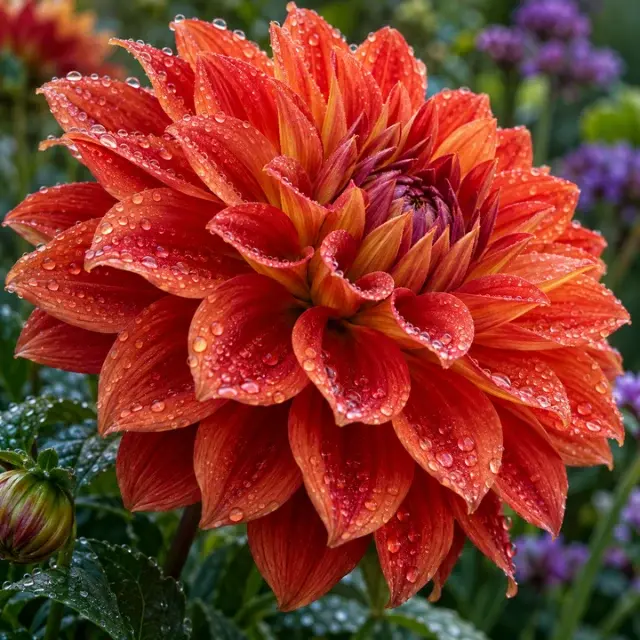 BEFORE
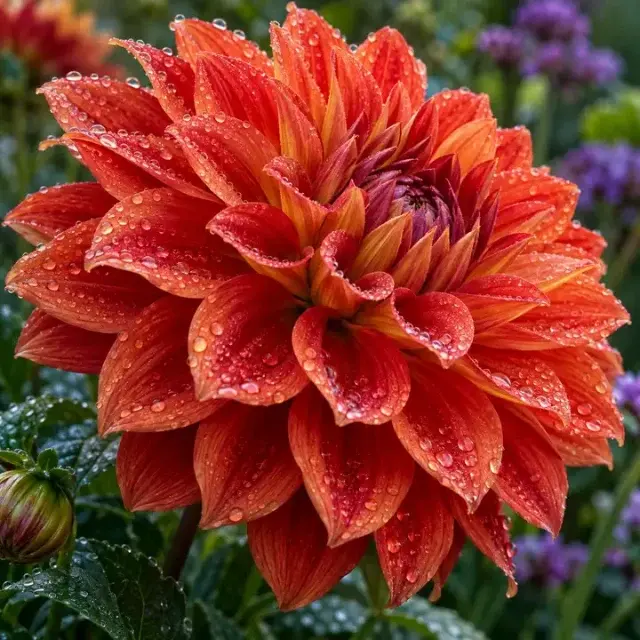 AFTER
AFTERMeasured 95% smaller example · lossy quality 55
Reduce image file size with adjustable quality and a before/after comparison.
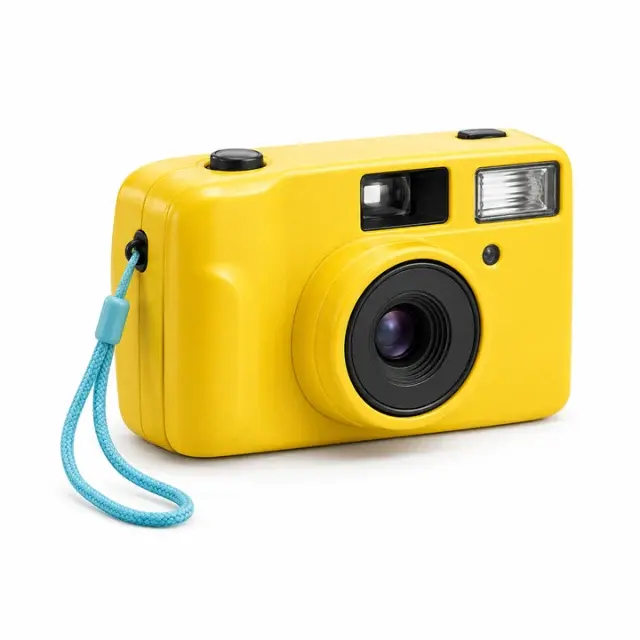 BEFORE
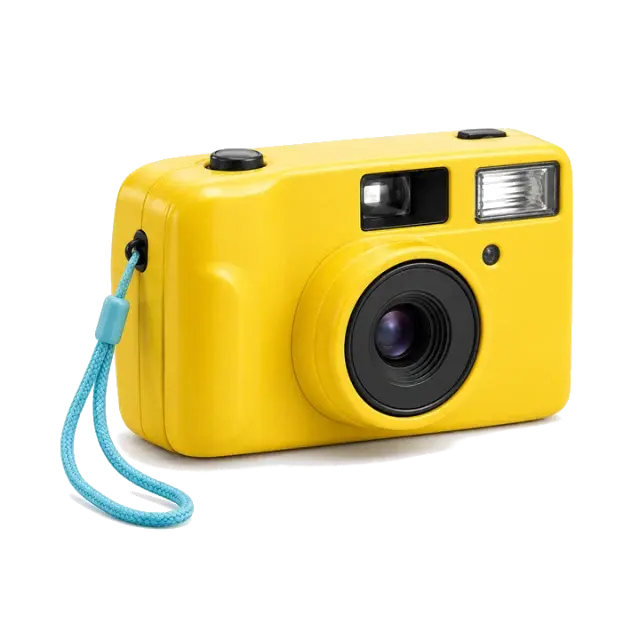 AFTER
AFTERActual color-based cutout · lower shadow cleanup
Remove flat backgrounds with adjustable color matching and a manual eraser.