Image / Image UpscalerTool example
 BEFORE
 AFTER
AFTER180 × 180px720 × 720px
Actual 4× resampling · missing detail is not restored
Image Upscaler
Resize artwork to a larger canvas while preserving its aspect ratio.
Open ToolImage
OKARTY WORKSPACE

300 PPI is a common print target. Sharpness still depends on the source and your supplier's product requirements.
Start with: Pixel width, pixel height and PPI
Result: Print dimensions in inches and centimeters
A calculation measures pixel density, not sharpness, color accuracy or print quality.
Browse all tools →Check how wide and tall your pixel dimensions print at a chosen PPI before enlarging the image.
Divide pixel width and height by pixels per inch to calculate the corresponding print dimensions. Compare your design with the printable area on your product.
Input: Pixel width, pixel height and PPI. Output: Print dimensions in inches and centimeters.
A calculation measures pixel density, not sharpness, color accuracy or print quality.
Prepare artwork for a garment, sticker or wall print, compare variations and save a separate export for each product template.
Enter positive numeric pixel dimensions and PPI. The calculator returns inches and centimeters without uploading a file.
Continue with our POD guides or browse all tools.
QUESTIONS, ANSWERED
A calculation measures pixel density, not sharpness, color accuracy or print quality.
Local image tools are free without an account. A confirmed free account includes 5 AI listings per day, up to 50 per calendar month. Pricing shows paid plan options and whether checkout is currently available.
No. Download your files and copy reviewed listing text into your marketplace or store. Marketplace names describe intended workflows; they do not imply a partnership or official integration.
BEFOREAFTERActual 4× resampling · missing detail is not restored
Resize artwork to a larger canvas while preserving its aspect ratio.
 BEFORE
 AFTER
AFTERPrepared portrait canvas · verified PNG DPI metadata
Combine a cutout, print canvas, DPI metadata and a listing draft in one workspace.
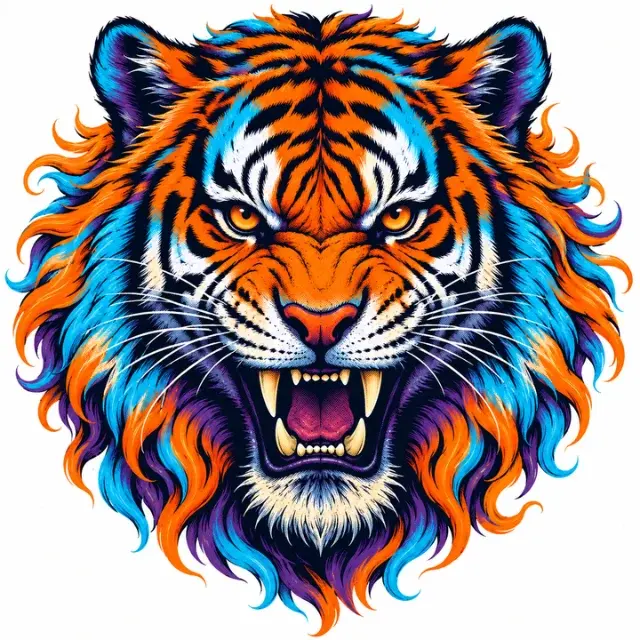 BEFORE
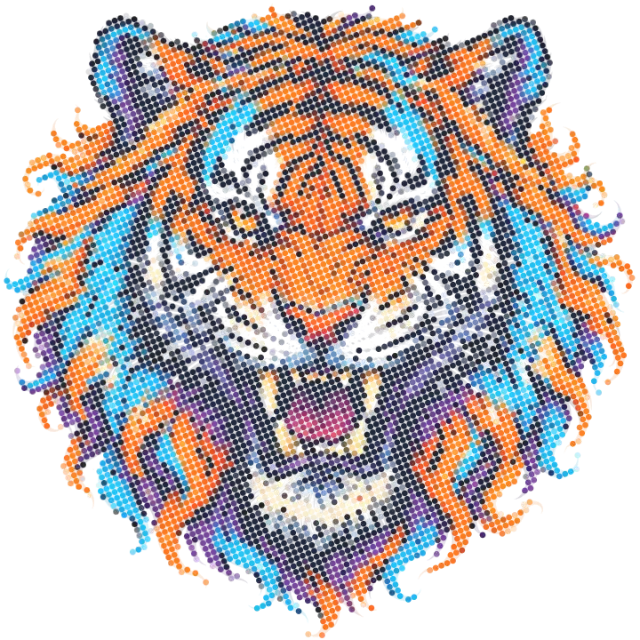 AFTER
AFTERActual AM-screen output · test with your print supplier
Convert any image into a print-ready DTF halftone pattern — AM, FM or Hybrid screening with adjustable LPI, angle and dot shape.