POD / Print Size CalculatorTool example
 BEFORE
 AFTER
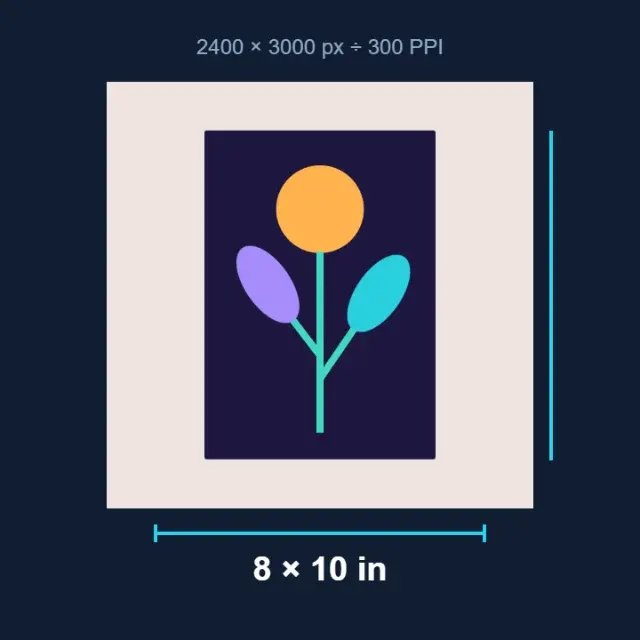
AFTER2400 × 3000px8 × 10 in at 300 PPI
Illustrated calculation · pixels divided by PPI
Print Size Calculator
Calculate physical print size from pixels and your chosen resolution.
Open ToolPOD
OKARTY WORKSPACE
Start with: PNG, JPEG or WebP · up to 20 MB / 40 megapixels
Result: Print canvas PNG and optional preview
Presets are starting points, not a guarantee of marketplace acceptance. Always check the exact product's current template.
Browse all tools →Combine cleanup and print sizing in one editable project, then check your supplier’s exact template.
Select a starting preset, check it against your supplier's product template, adjust the removal controls and export the prepared PNG. The studio also offers SVG approximation and garment previews.
Input: PNG, JPEG or WebP · up to 20 MB / 40 megapixels. Output: Print canvas PNG and optional preview.
Presets are starting points, not a guarantee of marketplace acceptance. Always check the exact product's current template.
Prepare artwork for a garment, sticker or wall print, compare variations and save a separate export for each product template.
PNG, JPEG or WebP · up to 20 MB / 40 megapixels. Result: Print canvas PNG and optional preview. Inspect the downloaded file before use.
Continue with our POD guides or browse all tools.
QUESTIONS, ANSWERED
Presets are starting points, not a guarantee of marketplace acceptance. Always check the exact product's current template.
Local image tools are free without an account. A confirmed free account includes 5 AI listings per day, up to 50 per calendar month. Pricing shows paid plan options and whether checkout is currently available.
No. Download your files and copy reviewed listing text into your marketplace or store. Marketplace names describe intended workflows; they do not imply a partnership or official integration.
BEFOREAFTERIllustrated calculation · pixels divided by PPI
Calculate physical print size from pixels and your chosen resolution.
 BEFORE
 AFTER
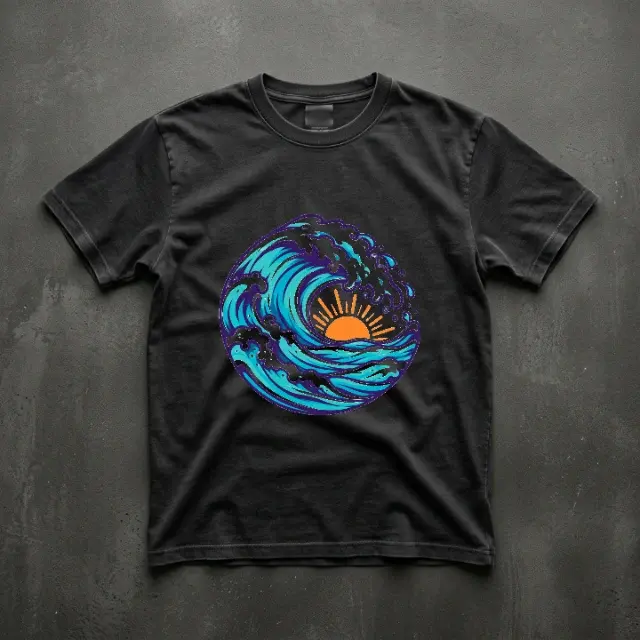
AFTER2D garment preview · actual print appearance may differ
Position your design on a garment preview and download the composition.
 BEFORE
 AFTER
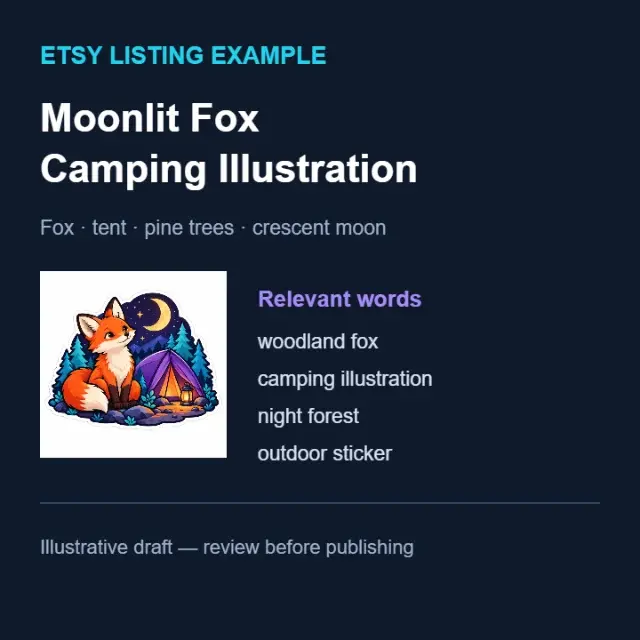
AFTERIllustrative title and keywords · review before publishing
Draft titles, descriptions and relevant keywords for your marketplace.