Image / Image Format ConverterTool example
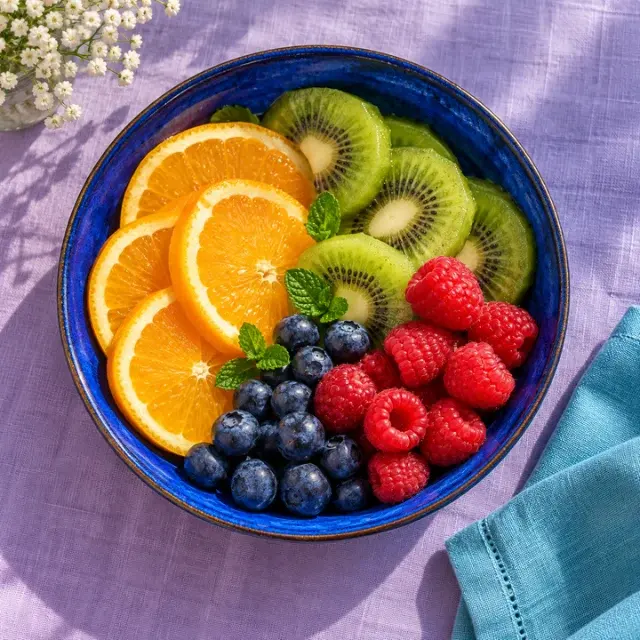 BEFORE
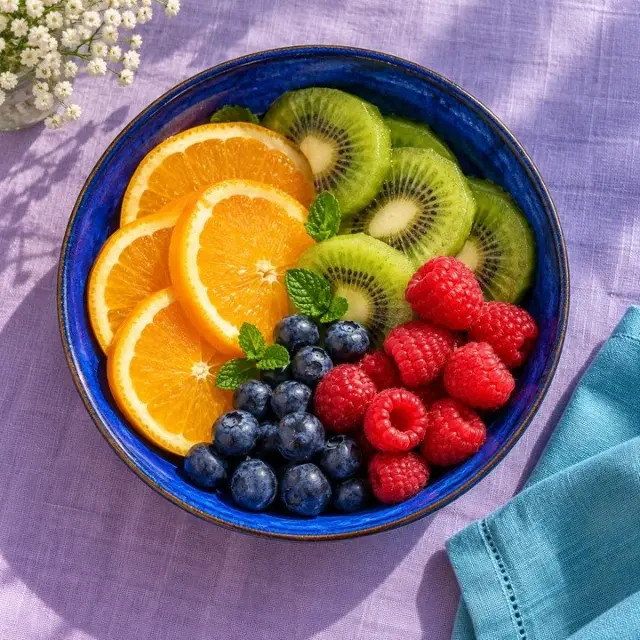 AFTER
AFTERPNG photographJPEG conversion
Actual JPEG encoding · quality 85
Image Format Converter
Convert images between PNG, JPEG and WebP formats instantly in your browser.
Open ToolImage
OKARTY WORKSPACE
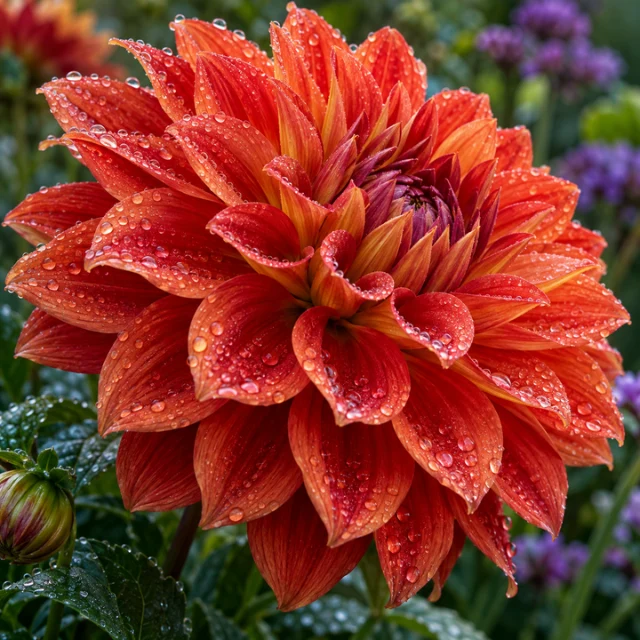
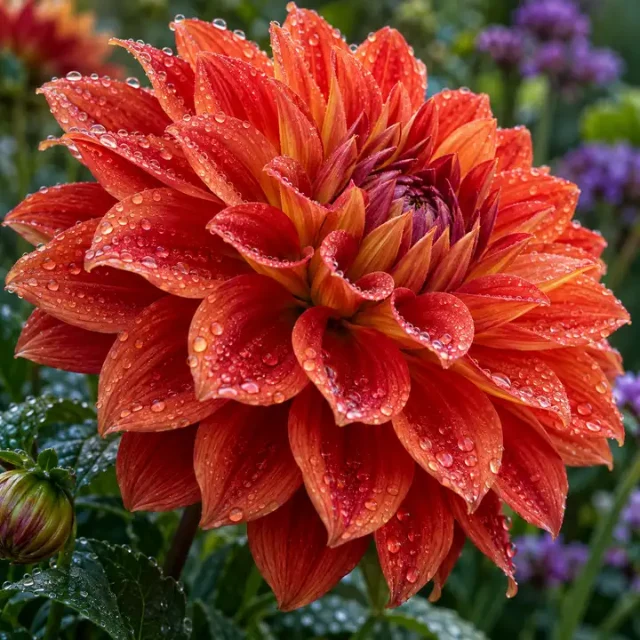
Example preview · your own result appears after processing
Start with: PNG, JPEG or WebP · up to 20 MB / 40 megapixels
Result: Compressed image with a size comparison
Compression is lossy for JPEG and WebP. Very aggressive settings may introduce visible artifacts. PNG compression is lossless but savings are minimal.
Browse all tools →Reduce listing or website image weight while reviewing the tradeoff between file size and visible quality.
Upload any image, choose a quality preset or use the slider for fine control, and instantly see the savings. The compressor re-encodes using optimized WebP or JPEG encoding entirely in your browser.
Input: PNG, JPEG or WebP · up to 20 MB / 40 megapixels. Output: Compressed image with a size comparison.
Compression is lossy for JPEG and WebP. Very aggressive settings may introduce visible artifacts. PNG compression is lossless but savings are minimal.
Prepare artwork for a garment, sticker or wall print, compare variations and save a separate export for each product template.
Drop any PNG, JPEG or WebP file. Select a compression quality preset or use the manual slider. See original vs compressed file size before downloading.
Continue with our POD guides or browse all tools.
QUESTIONS, ANSWERED
Compression is lossy for JPEG and WebP. Very aggressive settings may introduce visible artifacts. PNG compression is lossless but savings are minimal.
Local image tools are free without an account. A confirmed free account includes 5 AI listings per day, up to 50 per calendar month. Pricing shows paid plan options and whether checkout is currently available.
No. Download your files and copy reviewed listing text into your marketplace or store. Marketplace names describe intended workflows; they do not imply a partnership or official integration.
BEFOREAFTERActual JPEG encoding · quality 85
Convert images between PNG, JPEG and WebP formats instantly in your browser.
 BEFORE
 AFTER
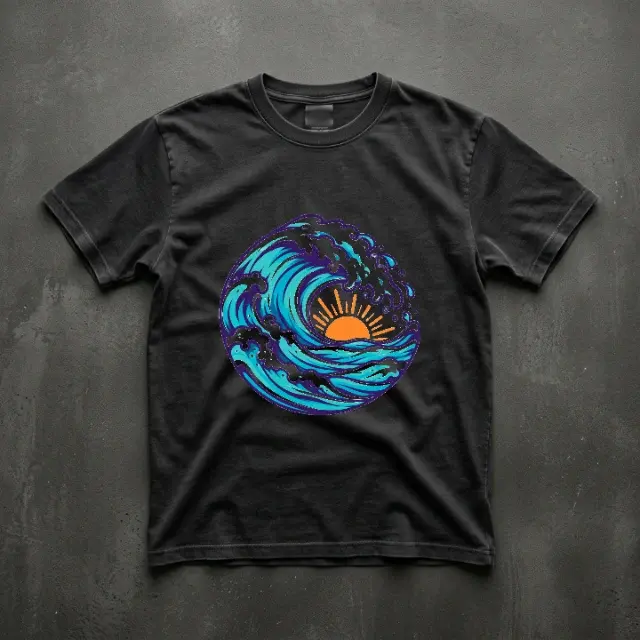
AFTER2D garment preview · actual print appearance may differ
Position your design on a garment preview and download the composition.
 BEFORE
 AFTER
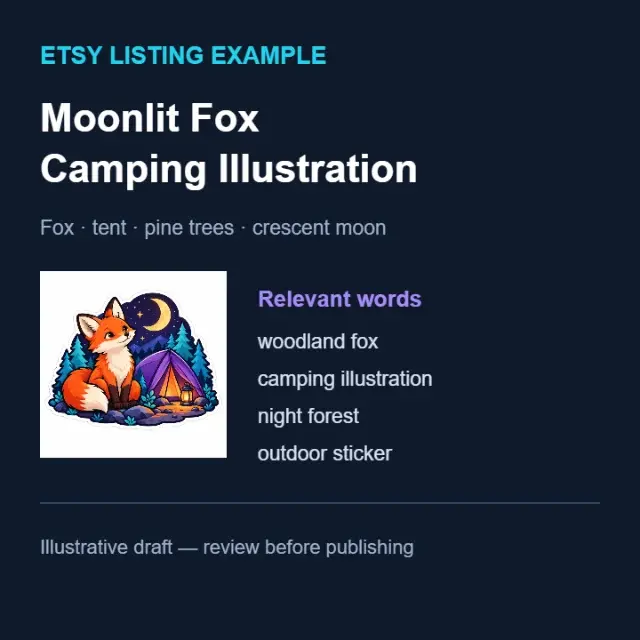
AFTERIllustrative title and keywords · review before publishing
Draft titles, descriptions and relevant keywords for your marketplace.