Skip to content

NEXT-GEN PRINT-ON-DEMAND STUDIO

Your creativity.
Ready for the marketplace.

A focused workspace for POD creators. Clean backgrounds, prepare print files, save editable projects and draft relevant marketplace listings with optional AI.

✦ 100% In-Browser Image Processing · Zero Server File Storage · Instant 300 DPI Export

OkArty Studio Canvas
DESIGN → 300 DPI
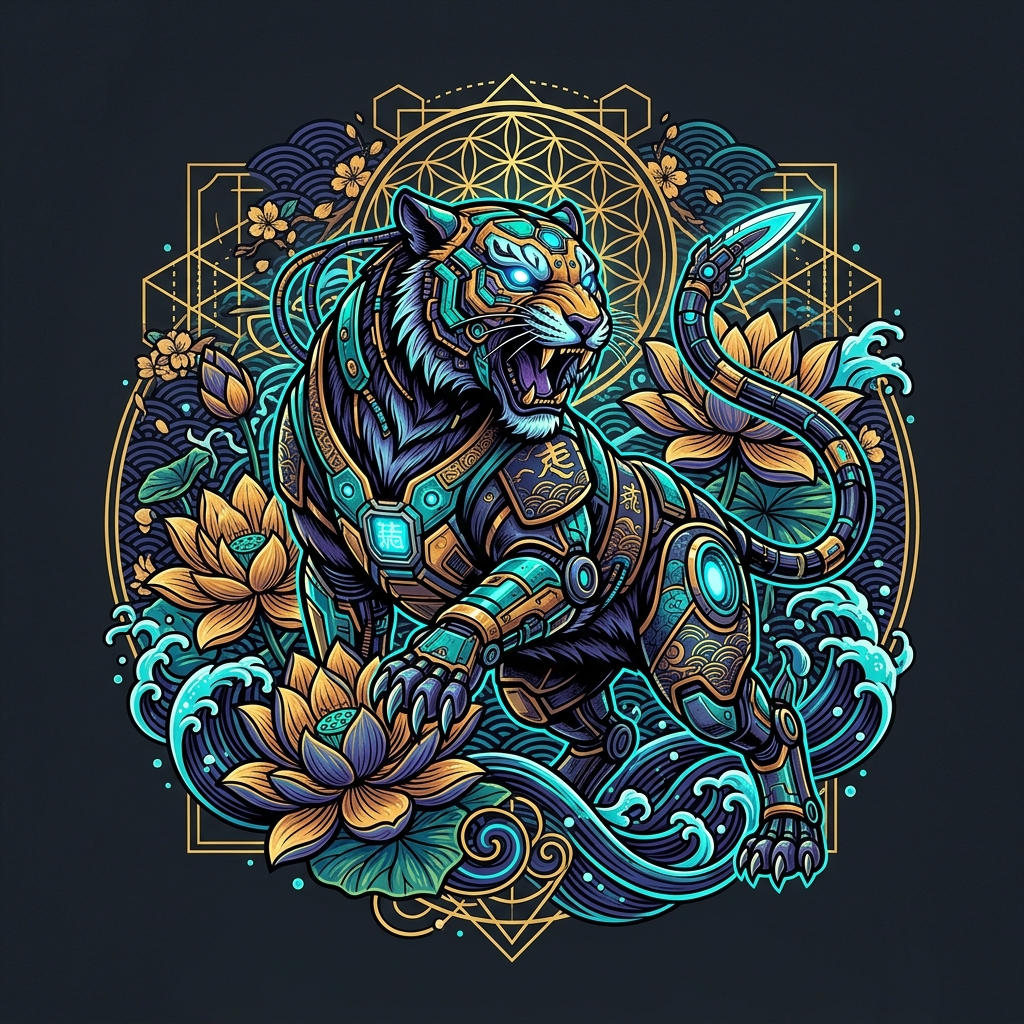
Cyberpunk Japanese tiger POD artwork prepared in OkArty studio
Precision RGB Alpha · Injected pHYs ChunkLaunch Canvas ↗
✦
From Artwork to StorefrontCutout · 300 DPI Master · Mockup · AI Listing

OPTIMIZED GABARITS & SEO SPECIFICATIONS FOR

Etsy
Amazon Merch
Redbubble
Shopify
Printify
Printful
Independent creators tool. Compatible with POD marketplace submission guidelines.

LESS REPETITION. MORE CREATION.

Your design deserves
a better finishing workflow.

Move from background cleanup to print preparation without juggling separate exports, Photoshop subscriptions, or format converters.

01

Smart Multi-Pass Cutout

Automatic AI checkerboard grid removal, flood fill, and point-and-click magic wand to erase enclosed background pockets effortlessly.

02

Exact Platform Gabarits

Upscale directly to Amazon Merch (4500×5400), Etsy (5400×7200), or Redbubble with physical 300 DPI pHYs binary chunk injection.

03

AI Vision SEO Packs

Turn your artwork description into a listing draft with relevant titles, tags and keywords. Review product facts before publishing.

THE TOOLKIT

Specialized tools. High-impact output.

View all 11 tools ↗
Image / Background RemoverTool example
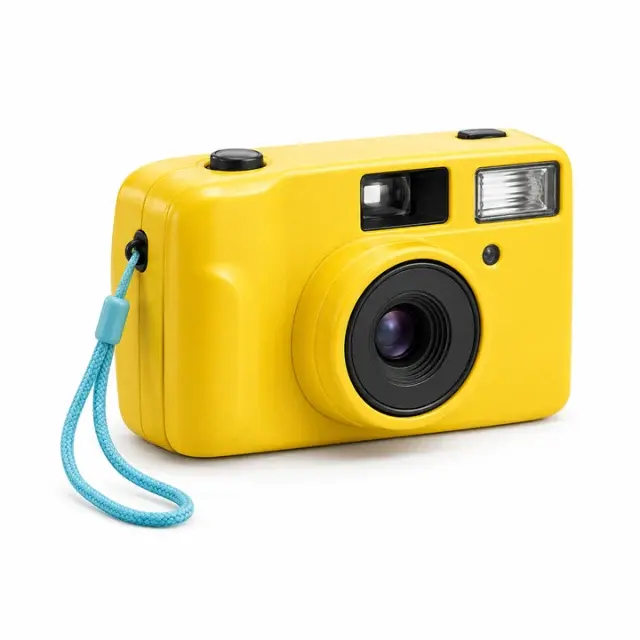
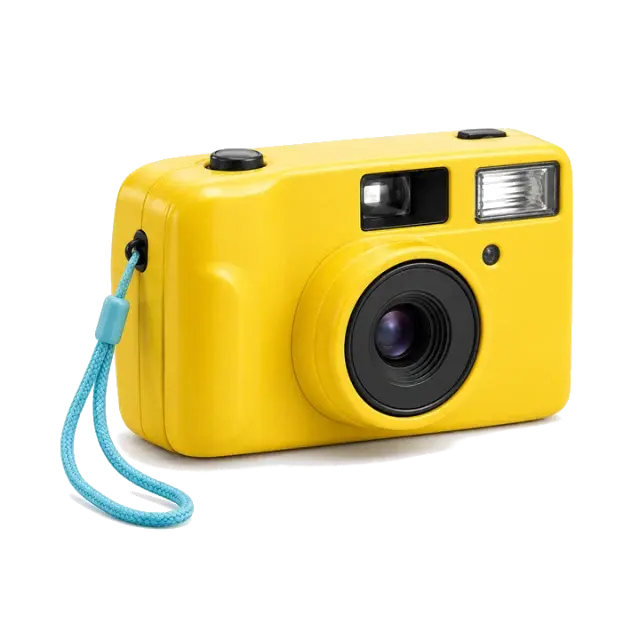
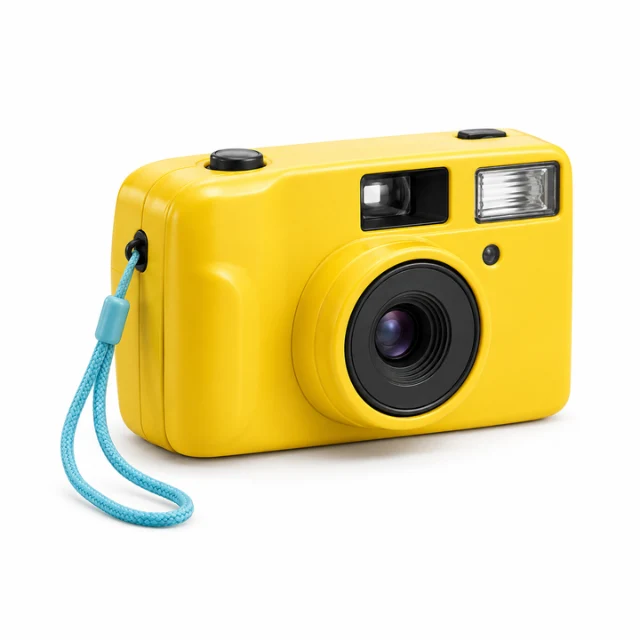
Yellow retro camera: White camera backdropBEFORE
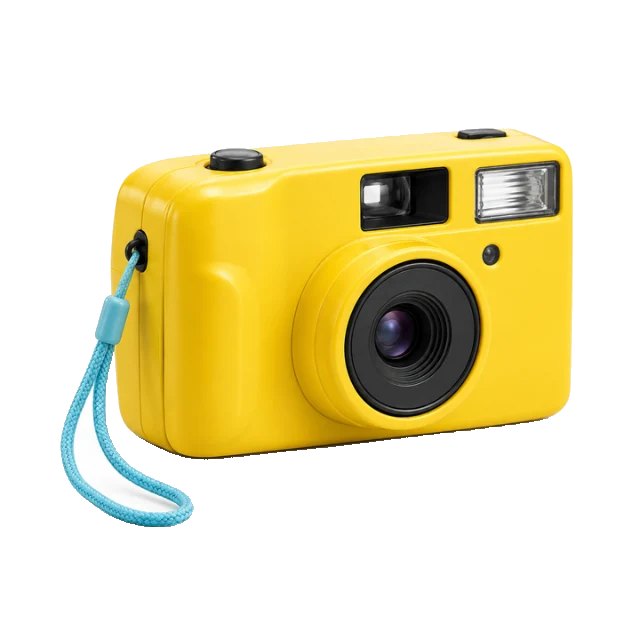
Yellow retro camera: Camera cutout — tool outputAFTER
White camera backdropCamera cutout

Actual color-based cutout · tolerance 30

Background Remover

Remove flat backgrounds with adjustable color matching and a manual eraser.
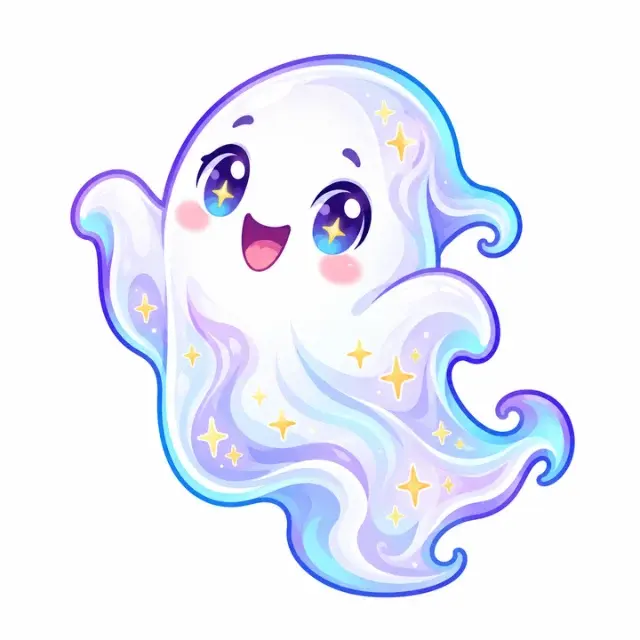
Image / Transparent PNGTool example
Lavender ghost sticker: Opaque ghost stickerBEFORE
Lavender ghost sticker: Transparent PNG — tool outputAFTER
Opaque ghost stickerTransparent PNG

320,453 transparent pixels in the 720px example

Transparent PNG

Turn your cutout into a PNG with a real transparent alpha channel.
Image / Image UpscalerTool example
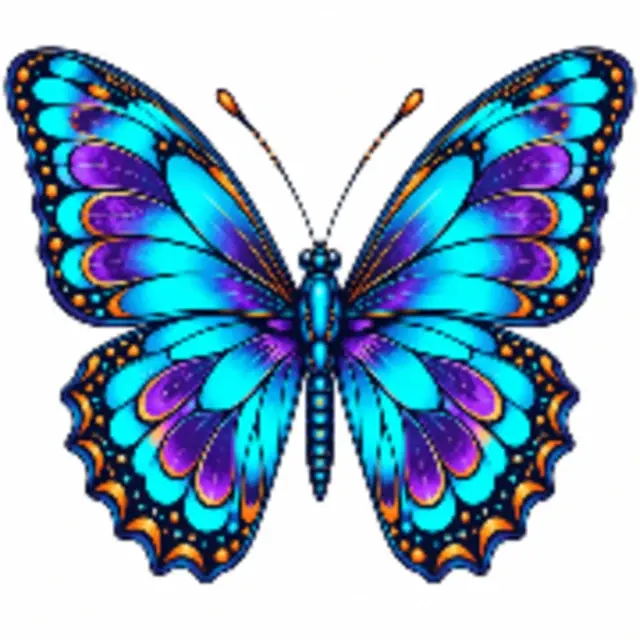
Neon butterfly artwork: 180 × 180pxBEFORE
Neon butterfly artwork: 720 × 720px — tool outputAFTER
180 × 180px720 × 720px

Actual 4× resampling · missing detail is not restored

Image Upscaler

Resize artwork to a larger canvas while preserving its aspect ratio.
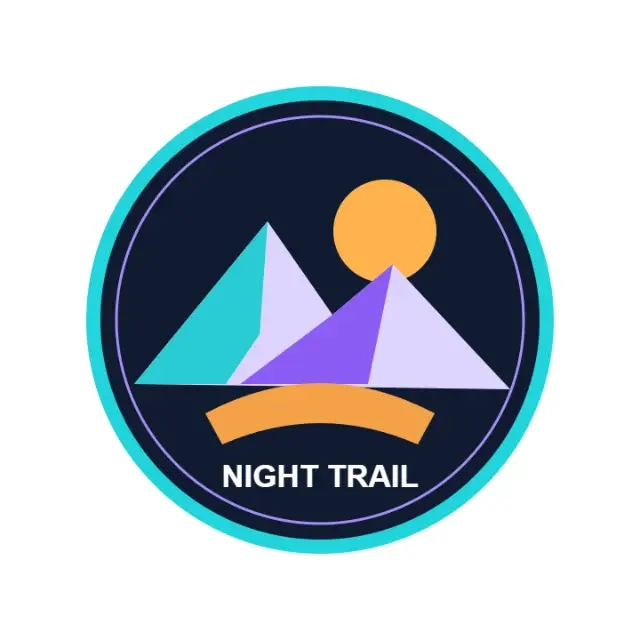
POD / POD Image OptimizerTool example
Night Trail mountain badge: Square mountain badgeBEFORE
Night Trail mountain badge: 1440 × 1728 · 300 DPI — tool outputAFTER
Square mountain badge1440 × 1728 · 300 DPI

Prepared portrait canvas · verified PNG DPI metadata

POD Image Optimizer

Combine a cutout, print canvas, DPI metadata and a listing draft in one workspace.
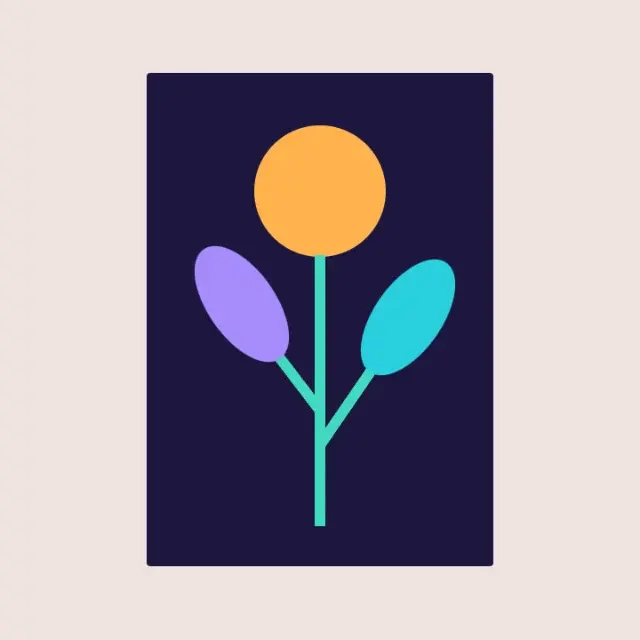
POD / Print Size CalculatorTool example
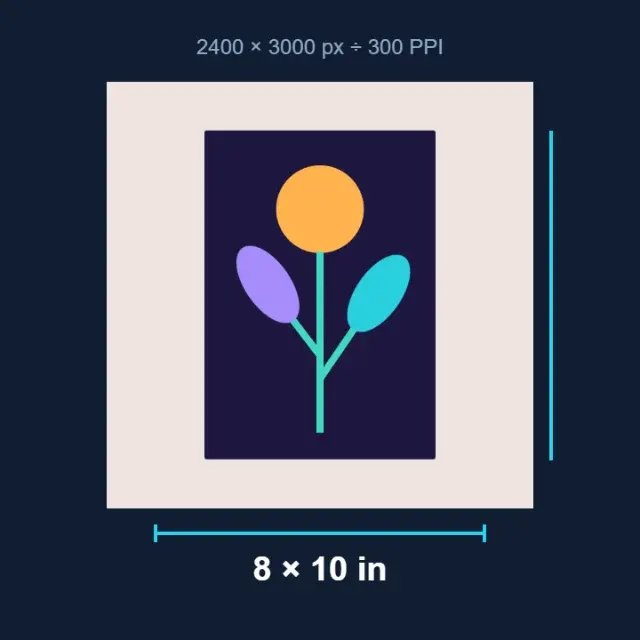
Botanical print-size diagram: 2400 × 3000pxBEFORE
Botanical print-size diagram: 8 × 10 in at 300 PPI — illustrative exampleAFTER
2400 × 3000px8 × 10 in at 300 PPI

Illustrated calculation · pixels divided by PPI

Print Size Calculator

Calculate physical print size from pixels and your chosen resolution.
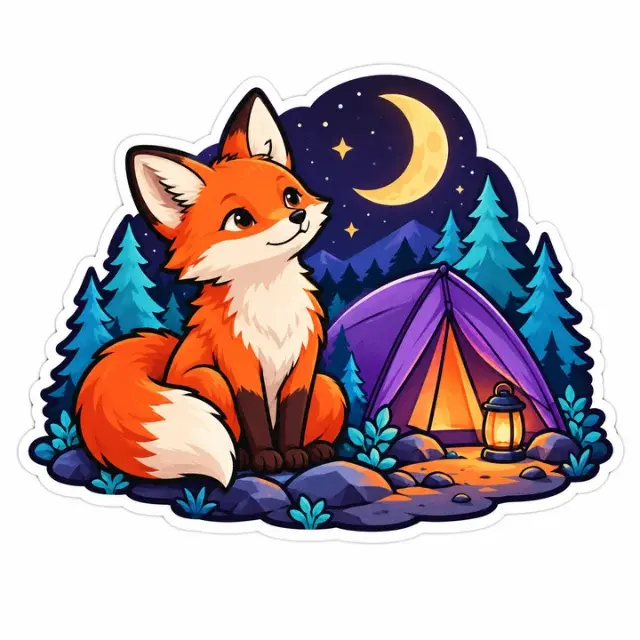
SEO / POD SEO GeneratorTool example
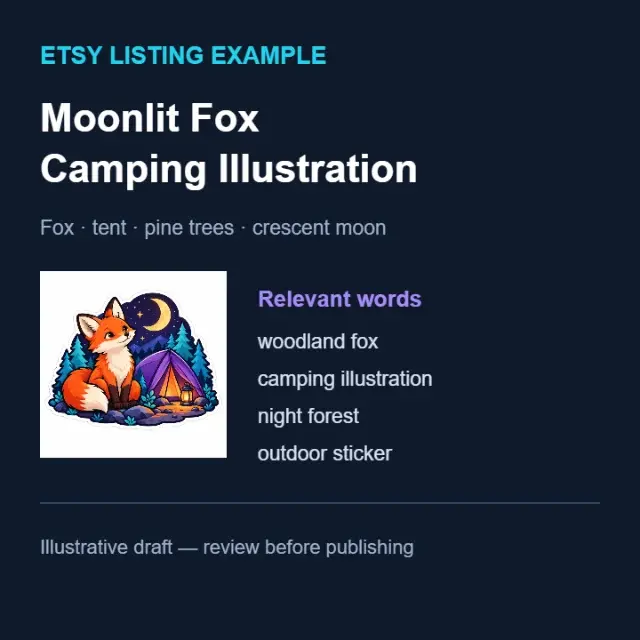
Fox camping marketplace listing: Fox camping artworkBEFORE
Fox camping marketplace listing: Listing draft example — illustrative exampleAFTER
Fox camping artworkListing draft example

Illustrative title and keywords · review before publishing

POD SEO Generator

Draft titles, descriptions and relevant keywords for your marketplace.

Image / SVG ConverterTool example
Geometric paper bird: Raster geometric birdBEFORE
Geometric paper bird: Color-quantized SVG — tool outputAFTER
Raster geometric birdColor-quantized SVG

Actual vector-converter output · simplified contours

SVG Converter

Export a simplified SVG made from color-quantized vector shapes.

POD / Product MockupTool example
Ocean-wave apparel artwork: Flat ocean-wave artBEFORE
Ocean-wave apparel artwork: T-shirt placement — tool outputAFTER
Flat ocean-wave artT-shirt placement

2D garment preview · actual print appearance may differ

Product Mockup

Position your design on a garment preview and download the composition.

Image / Image Format ConverterTool example
Fruit bowl photograph: PNG photographBEFORE
Fruit bowl photograph: JPEG conversion — tool outputAFTER
PNG photographJPEG conversion

Actual JPEG encoding · quality 85

Image Format Converter

Convert images between PNG, JPEG and WebP formats instantly in your browser.

Image / Image CompressorTool example
Dew-covered dahlia photograph: PNG · 1.28 MBBEFORE
Dew-covered dahlia photograph: WebP · 67 KB — tool outputAFTER
PNG · 1.28 MBWebP · 67 KB

Measured 95% smaller example · lossy quality 55

Image Compressor

Reduce image file size without visible quality loss using smart browser compression.

DTF / DTF Halftone GeneratorTool example
Colorful tiger screenprint: Solid tiger artworkBEFORE
Colorful tiger screenprint: 45 LPI halftone — tool outputAFTER
Solid tiger artwork45 LPI halftone

Actual AM-screen output · test with your print supplier

DTF Halftone Generator

Convert any image into a print-ready DTF halftone pattern — AM, FM or Hybrid screening with adjustable LPI, angle and dot shape.

FROM IDEA TO EXPORT

Make the final steps
feel like the easy part.

The complete browser studio with controls that matter: threshold sliders, multi-layer canvas compositor, SVG vectorization, and 1-click ZIP bundle downloads.

Step into the studio ↗
  1. 01

    Upload your artwork

    Drop any PNG, JPEG, or WebP up to 20 MB directly into the canvas.

  2. 02

    Process & refine backdrop

    Auto-strip backgrounds with smart edge detection and touch up with the magic wand.

  3. 03

    Composite garment & inspect

    Position your design on realistic T-shirt mockups with fabric shadow realism.

  4. 04

    1-Click complete ZIP export

    Download Master 300 DPI PNG, vector SVG, cutout, mockup, and AI listing in one archive.

THE CREATOR’S FIELD NOTES

Proven techniques for POD sellers.

Explore all guides ↗

QUESTIONS, ANSWERED

A few things worth knowing

What does OkArty do?›

OkArty brings browser-based image preparation and AI-assisted listing drafts into a single Print-on-Demand workspace. It is built for creators preparing designs for marketplaces and independent stores.

What image size should I use for Redbubble?›

There is no single size for every product. Start with the current dimensions for the specific product in Redbubble's help center, preserve the design's aspect ratio and inspect the placement preview. A larger canvas does not restore missing detail.

How do I make a transparent PNG?›

Remove the background, inspect the edges against light and dark backgrounds, then export as PNG. JPEG cannot store transparency. A visible checkerboard can be baked into an image, so verify the actual alpha channel.

What DPI should I use for POD?›

Follow the supplier's product-specific resolution requirements. Pixels divided by pixels per inch gives print size in inches. A 3000-pixel-wide design corresponds to 10 inches at 300 PPI. Editing the DPI label alone does not create detail.

Is background removal powered by AI?›

The current image remover uses color matching and edge-connected processing in your browser. It includes threshold and manual cleanup controls. AI is used for listing drafts when the server's AI service is available.

Will upscaling fix a blurry image?›

Resizing can meet a canvas requirement, but it cannot recover detail that the source never contained. Inspect the export at its intended print size and recreate important lettering or linework when needed.

✦ YOUR NEXT DESIGN STARTS HERE

Make something.
Get it ready to sell.

Bring your raw artwork. Take home a pristine transparent PNG, 300 DPI master, live garment mockups, and AI SEO keywords in one bundle.

Launch Creative Studio ↗